
Hybrid Meetings Done Right: A Tech Checklist for Your Next Session
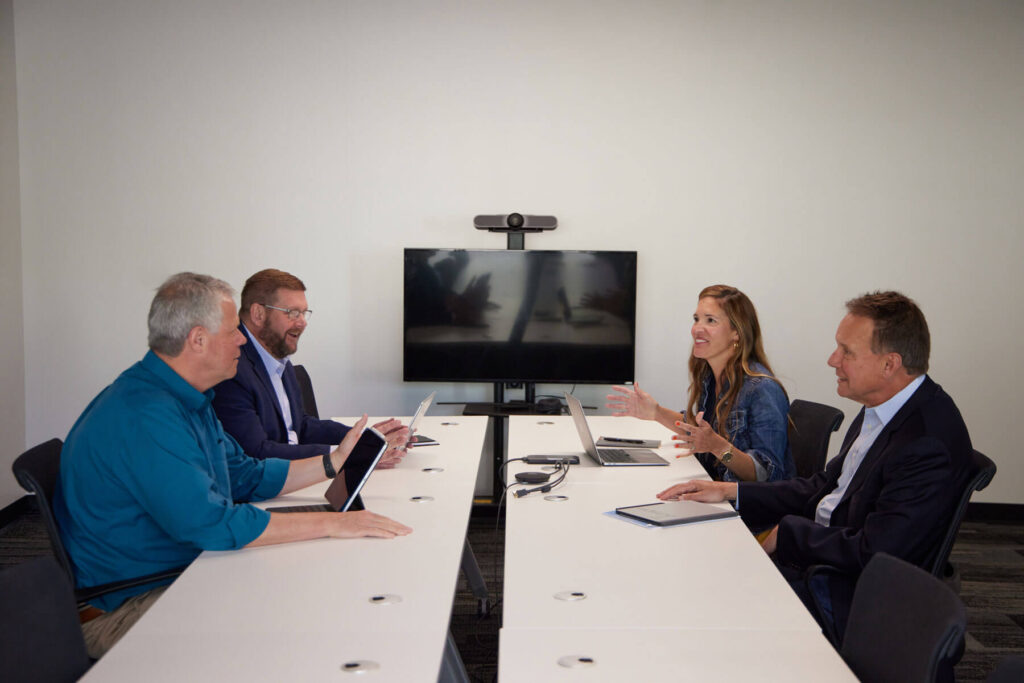
Hybrid meetings are now the norm. Someone is always dialing in from another city, a home office, or an airport lounge. Most rooms, though, are still set up for people sitting at the table, which leaves remote participants staring at a wide shot of the ceiling and hearing every third word.
When remote attendees can’t fully participate, you lose their input and the meeting loses its value. Here’s a checklist for hybrid meetings that work for everyone.
1. Bandwidth first
Every other piece of hybrid tech depends on the connection. Video calls, screen sharing, and cloud documents all compete for bandwidth, and the room fills up with laptops and phones. Look for business-grade fiber, not shared hotel WiFi.
2. A camera that sees the whole room
Laptop webcams capture one person. A conference camera with a wide field of view, or one that automatically focuses on whoever is speaking, lets remote participants follow the conversation the way they would in person.
3. Audio is more important than video
People will tolerate grainy video. They won’t tolerate audio they can’t understand. Conference-grade microphones that pick up voices from anywhere at the table, paired with good speakers, matter more than any other upgrade.
4. A display everyone can read
Remote faces and shared screens should be big enough for the person at the far end of the table. A large 4K display keeps slides and spreadsheets readable without everyone leaning toward a laptop.
5. Shared whiteboarding
Ideas on a whiteboard are invisible to remote attendees unless someone captures them. Point a camera at the board, take photos to share in the chat, or pair a physical glass board with a digital one.
6. Run a five-minute tech check
Before the meeting starts, have someone join remotely and confirm they can see the room, hear every seat, and read shared content. Five minutes up front can save the first 20 minutes of the meeting.
7. Hybrid etiquette
- Call on remote participants by name.
- Ask in-room participants to close their laptops when they aren’t presenting, to reduce echo and distraction.
- Assign an in-room “remote buddy” to watch the chat and raise hands.
Hybrid-ready from the moment you arrive
At The Bonhoeffer, the hybrid setup is already done. Our private Midtown Kansas City meeting space includes:
- 2 GB Google Fiber WiFi
- 85″ Samsung 4K display
- Logitech Rally conference cameras and speakers
- Owl Pro 360° camera
- Sonos sound system
- A mobile glass board and flip-sheet easel
No adapters to pack and no IT ticket to file. Show up, plug in, and go.
Book a space where every participant has a seat at the table: Reserve The Bonhoeffer.
Book your meeting at The Bonhoeffer
Flexible times. Easy booking. Ready-to-use space.